Why GigLedger AI
Bookkeeping that runs itself
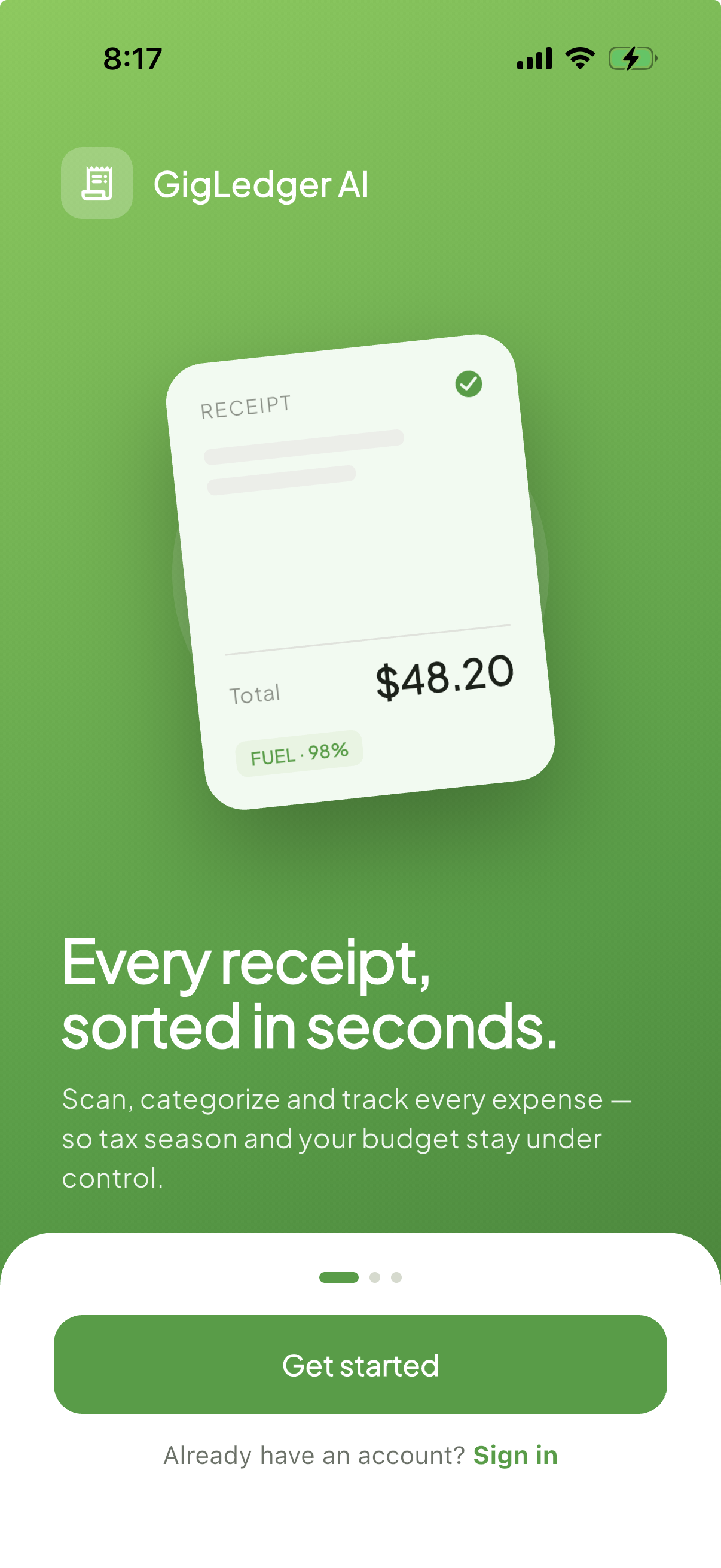
Point your camera at a receipt. Everything else — merchant, total, tax, category, deductibility — happens automatically.
📷
Instant AI receipt scanning
On-device OCR reads merchant, total, tax, and date the moment you snap a photo — no manual entry, no waiting on a server.
🏷️
Smart auto-categorization
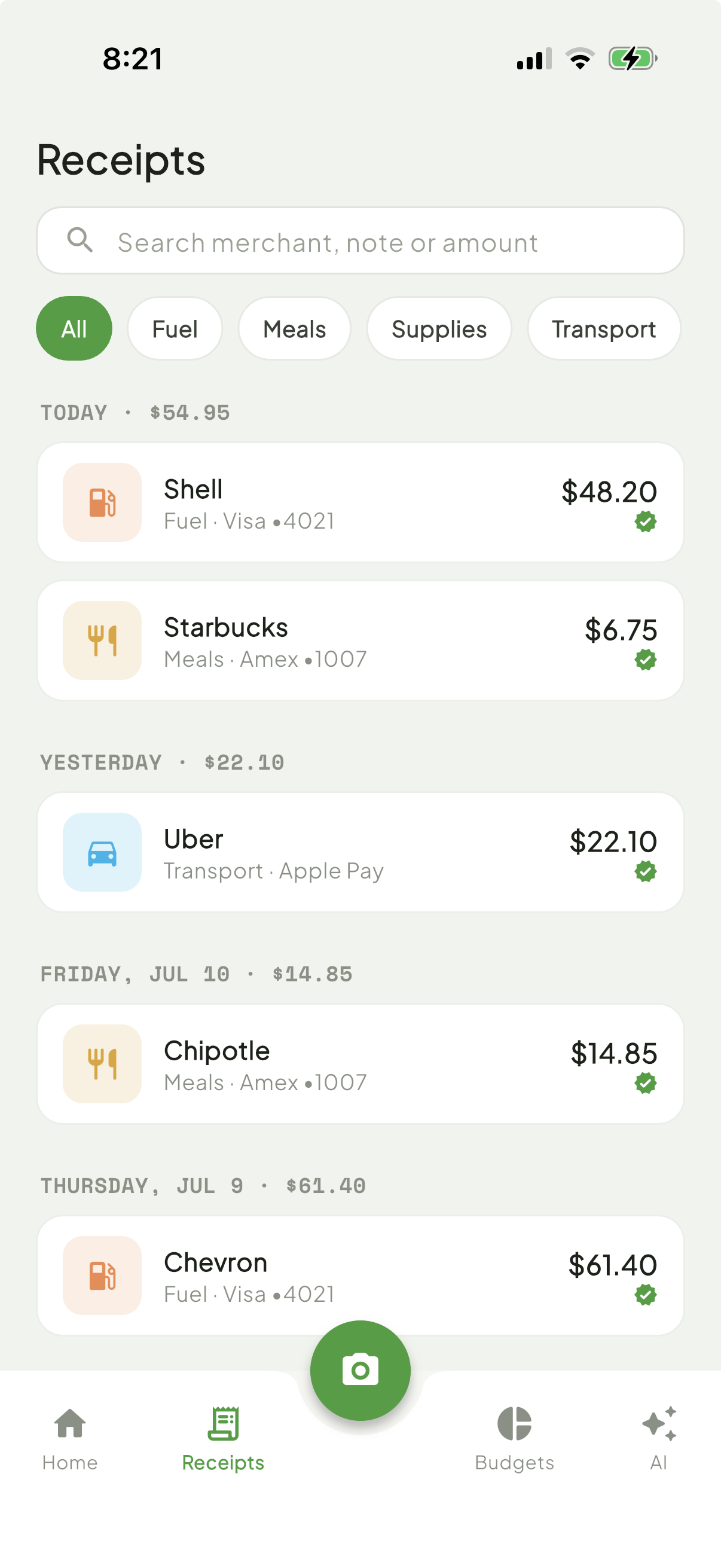
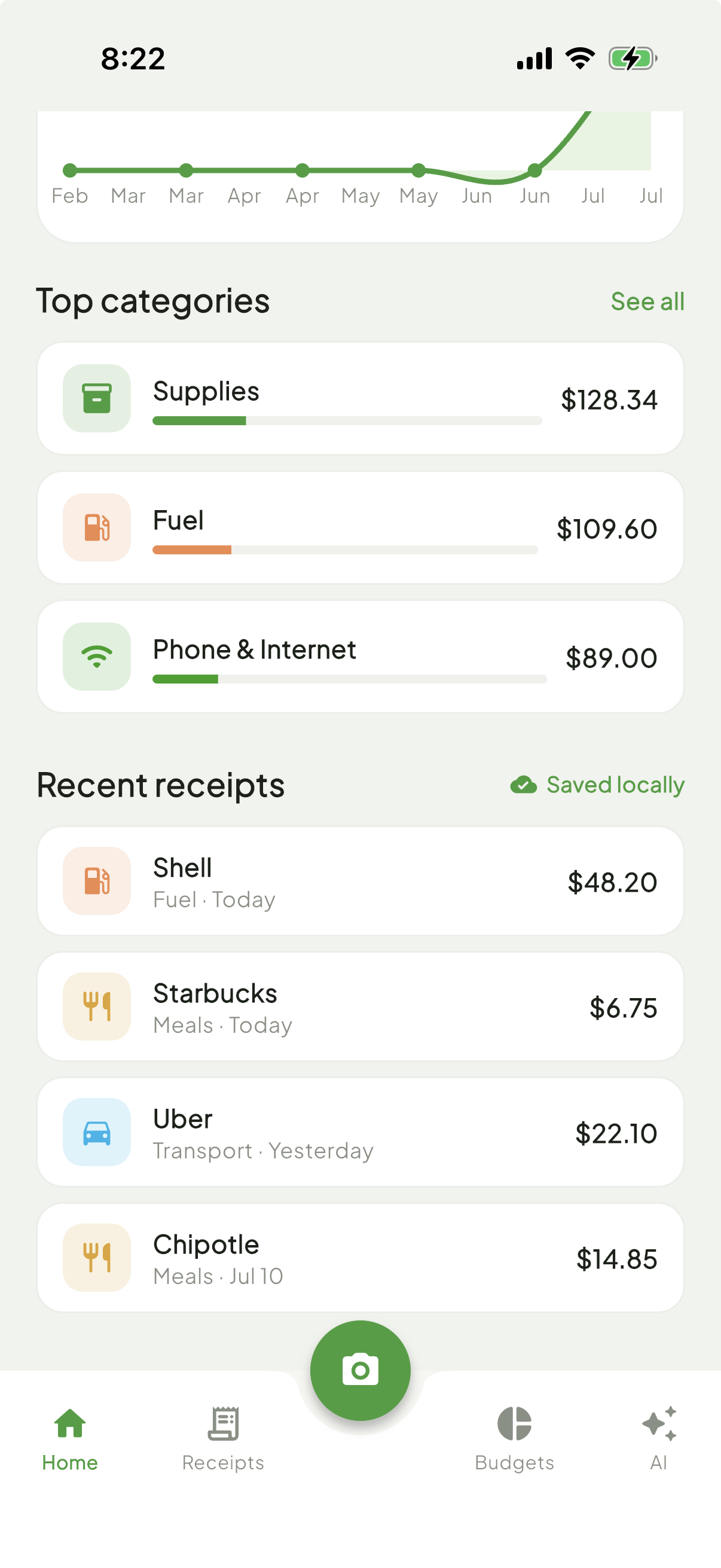
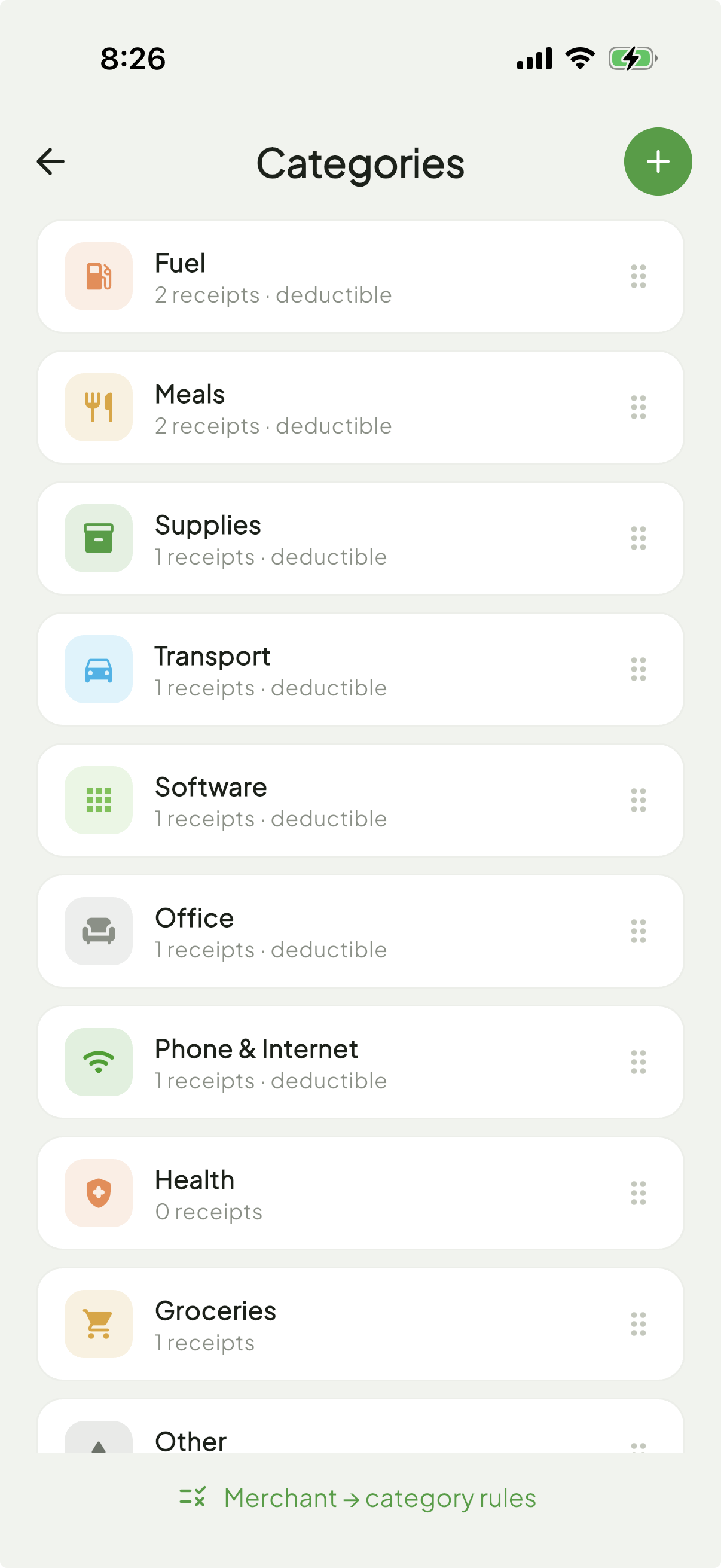
Merchant-matching rules and AI learn your spending patterns, sorting fuel, meals, supplies, and more without you lifting a finger.
🔒
Private by design
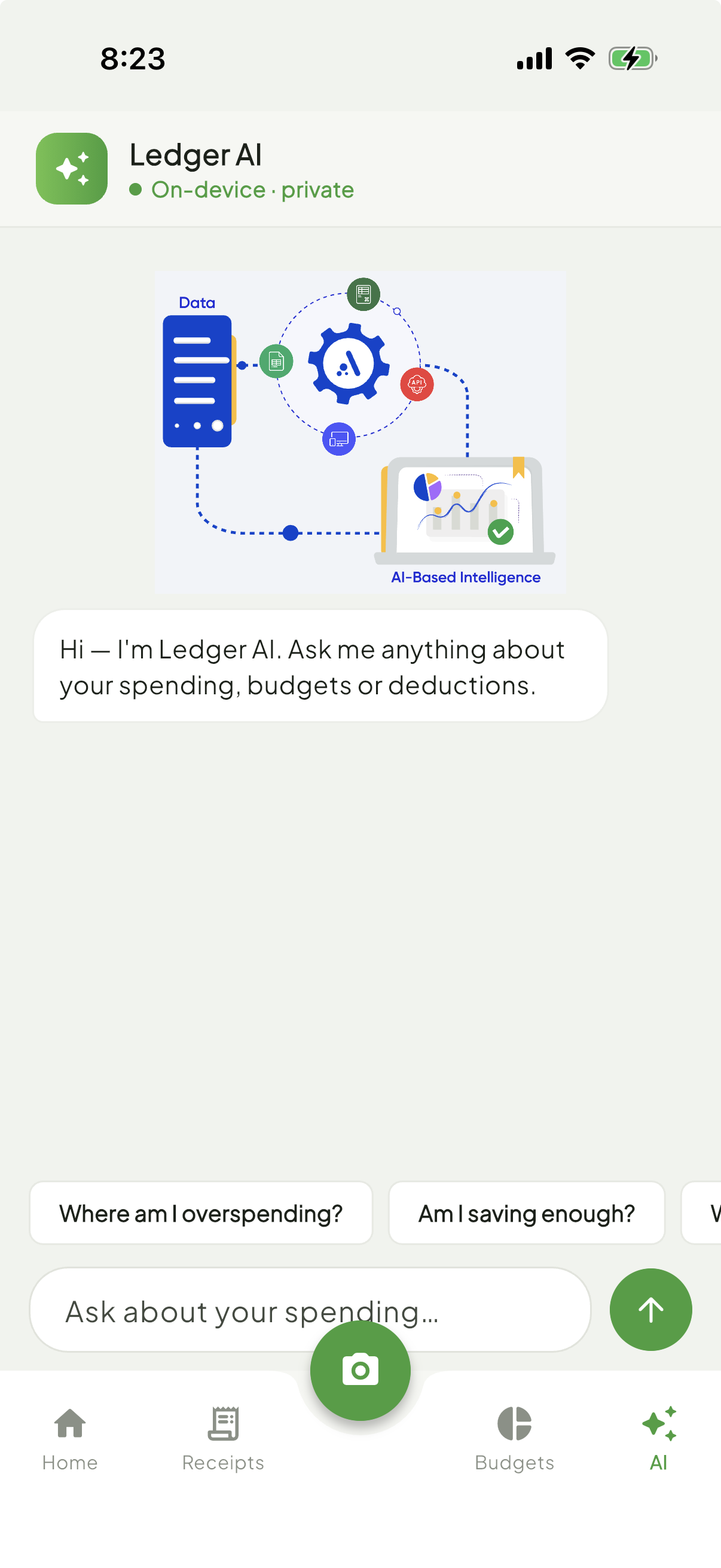
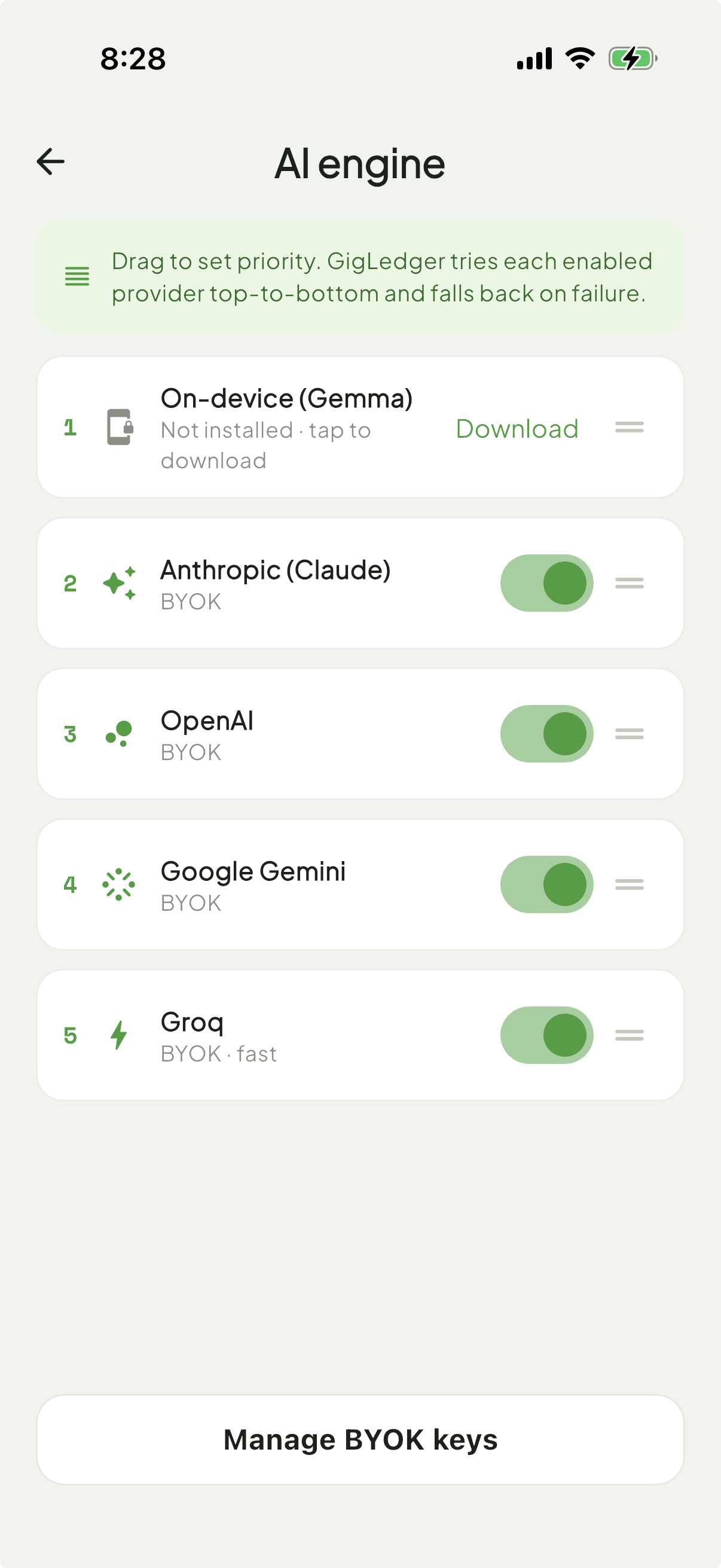
Run the built-in on-device AI model fully offline, or bring your own OpenAI, Claude, or Gemini key — your data, your choice.
📊
Live budgets & financial health
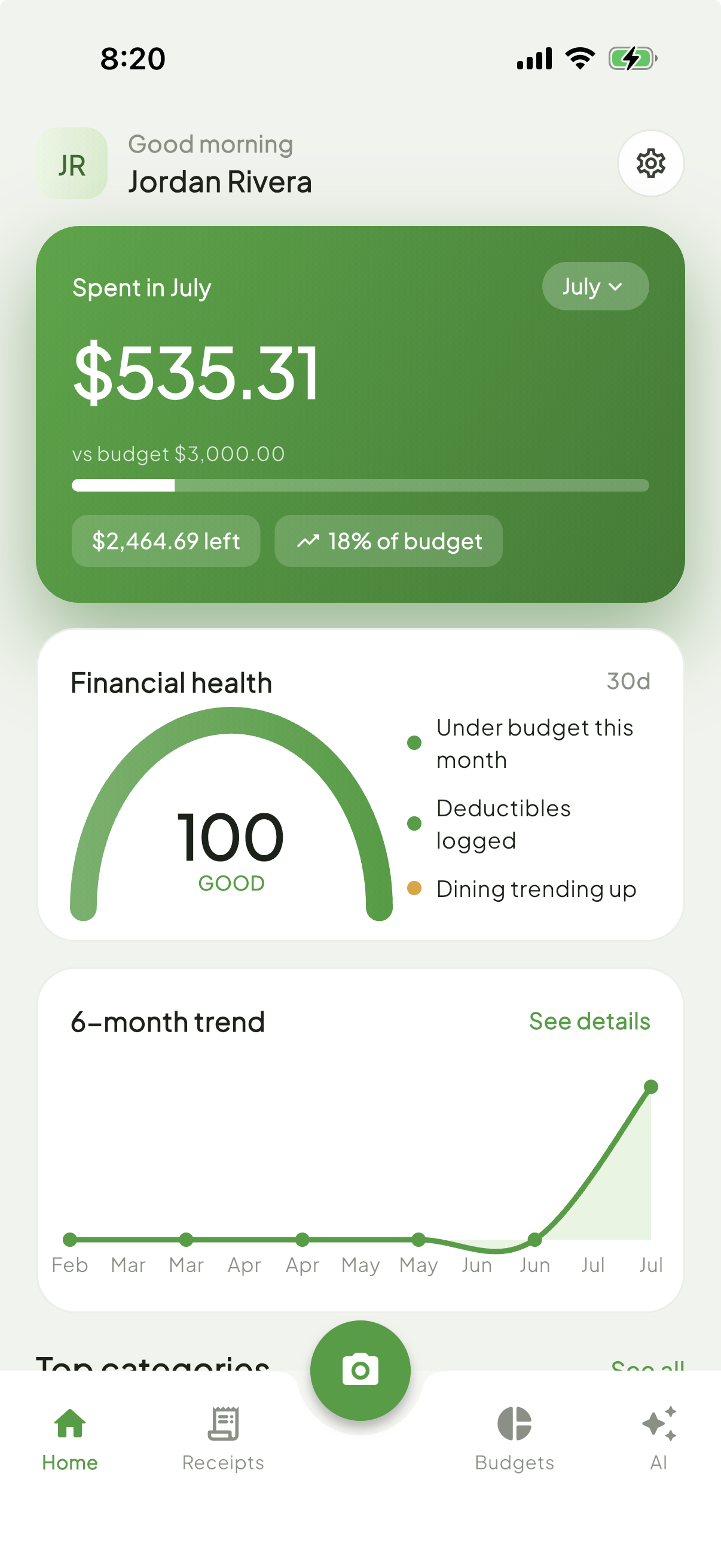
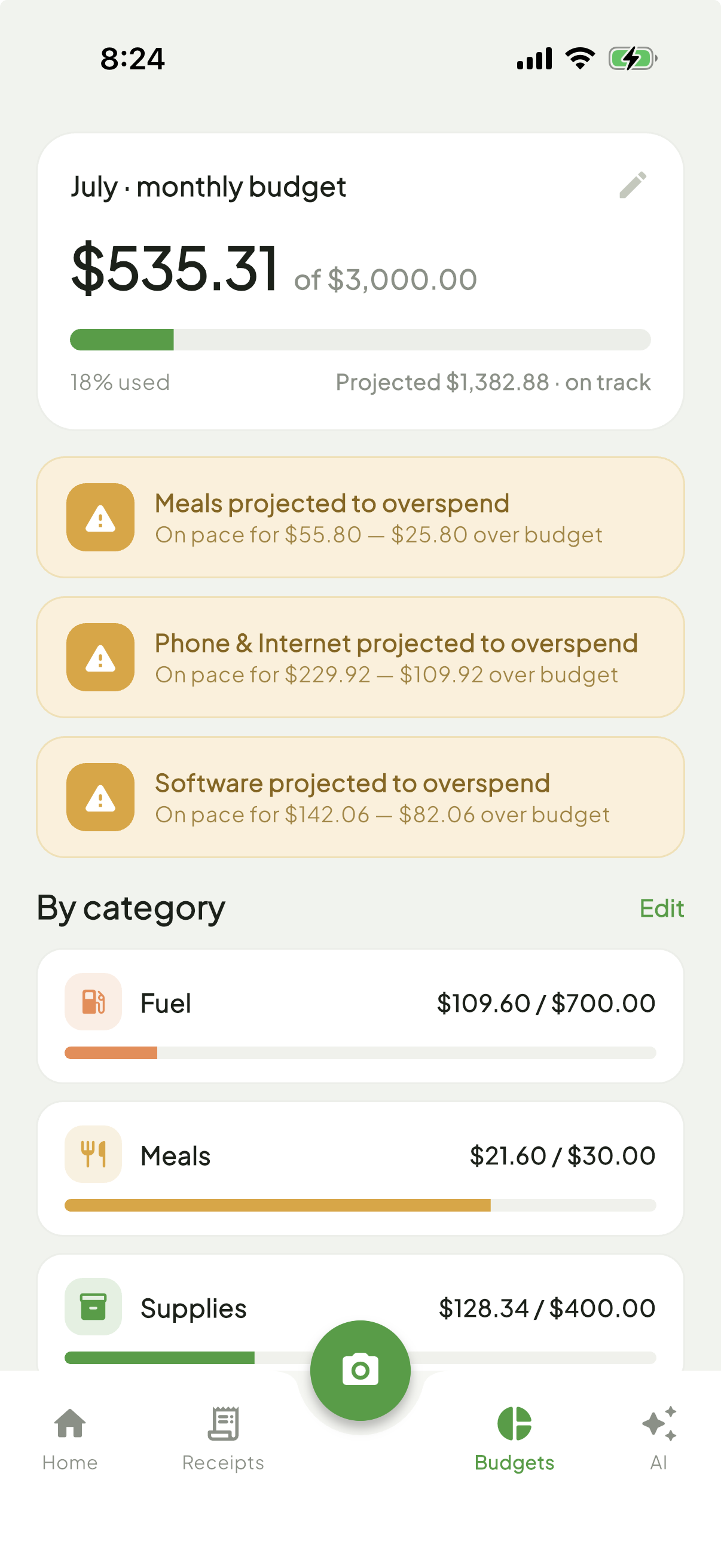
See spend vs. budget by category in real time, with a financial health score that reacts to how the month is actually going.
🧮
Tax-ready exports
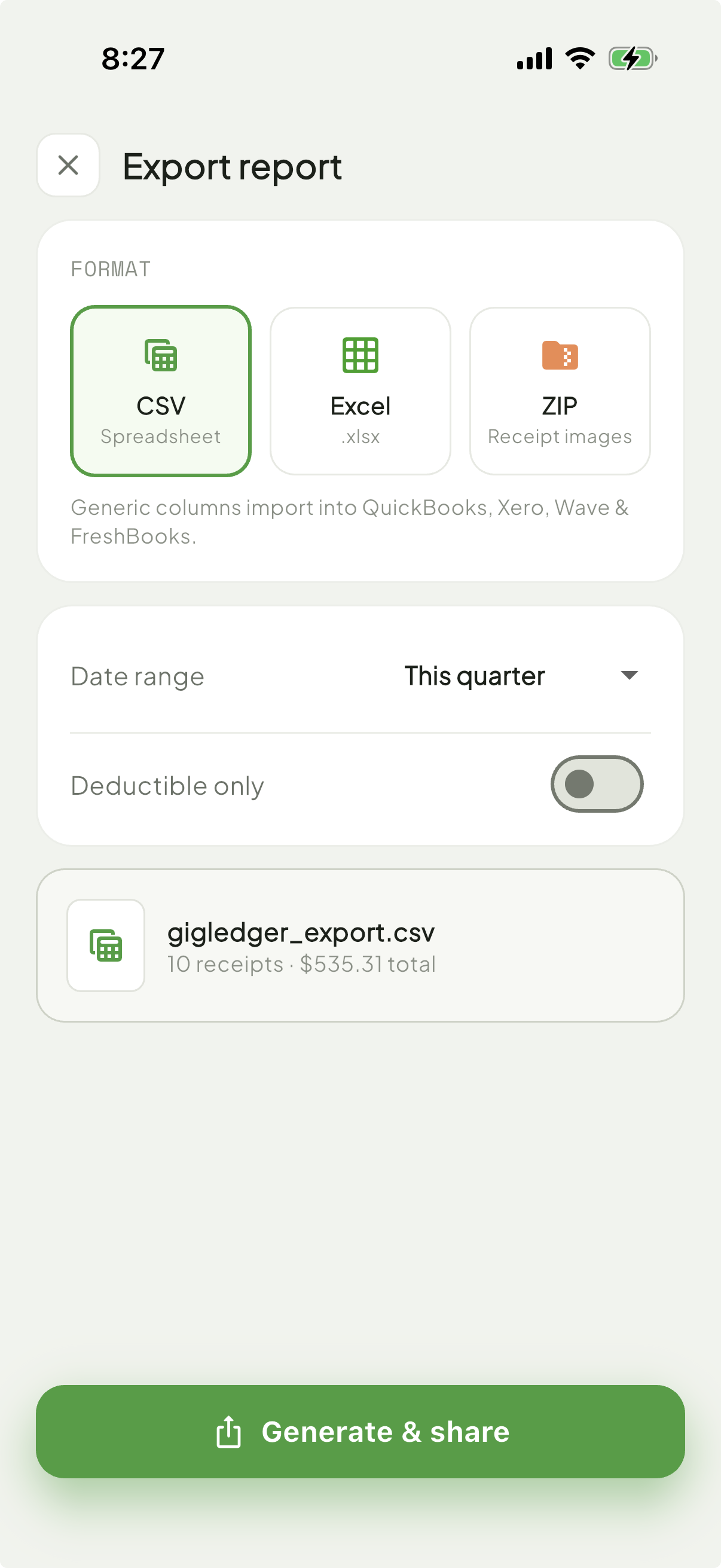
Export categorized CSV or Excel reports formatted for QuickBooks, Xero, Wave, and FreshBooks — or zip up every receipt image for your accountant.
💾
Smart storage management
Track on-device storage use, back up receipt photos to Drive or Files, and free up space without ever losing a financial record.